

How to Verify a TRN in the UAE: A Business Guide to VAT Compliance
Protect your business from tax fraud. Learn how to perform a TRN verification in the UAE quickly and easily using the official FTA portal.
In the UAE’s regulated business environment, the Tax Registration Number (TRN) is the most critical identifier for any VAT-registered entity. For businesses, verifying the TRN of a supplier or partner is not just a formality—it is a vital step in ensuring that the VAT you pay can be legally claimed as an input tax credit.
At FBS Documents Clearing, we provide professional administrative support to help businesses maintain high standards of compliance. We understand that navigating government portals can sometimes be time-consuming, which is why we offer our expertise as a private consultancy to guide you through the process.
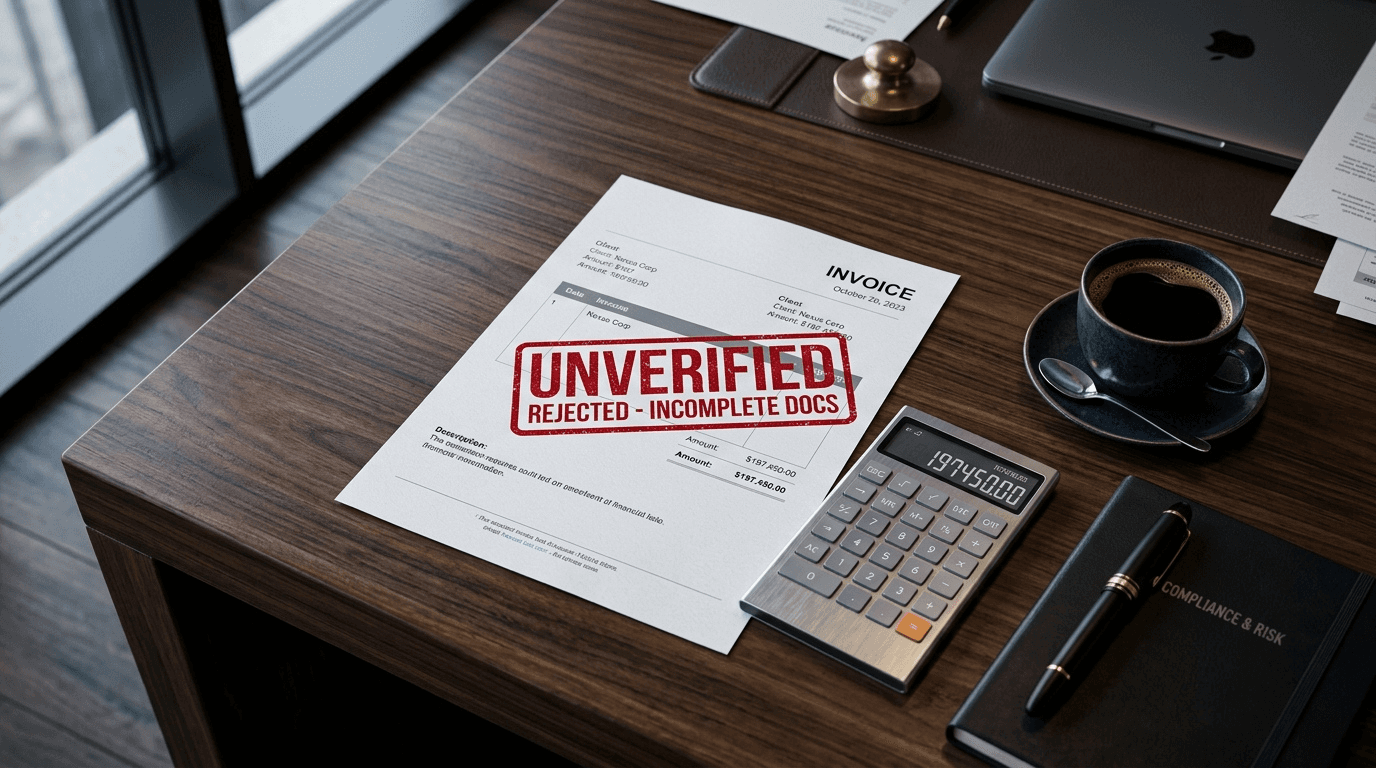
Why TRN Verification is Essential
When you receive an invoice that includes a 5% VAT charge, you are responsible for ensuring that the charging entity is actually registered with the Federal Tax Authority (FTA). If you pay VAT to a company with an invalid or fake TRN, the FTA may disallow your input tax claim, leading to unexpected costs.
How to Verify a TRN (The Official Process)
The Federal Tax Authority provides a public portal for TRN verification. While the process is designed to be accessible, it requires careful attention to detail:
- Visit the FTA Portal: Access the official Federal Tax Authority website.
- Input the TRN: Enter the 15-digit Tax Registration Number provided on the invoice.
- Security Check: Complete the required captcha or security verification.
- Review the Result: The system will display the legal name of the entity associated with that TRN.